
Graph Paper Printable
Make graph paper exactly the way you need it: pick the square size, how often a heavier line appears, the line colour and the paper size, preview it, and print — or save it as a PDF from the print dialog.
- Free to use
- No sign-up
- Runs in your browser
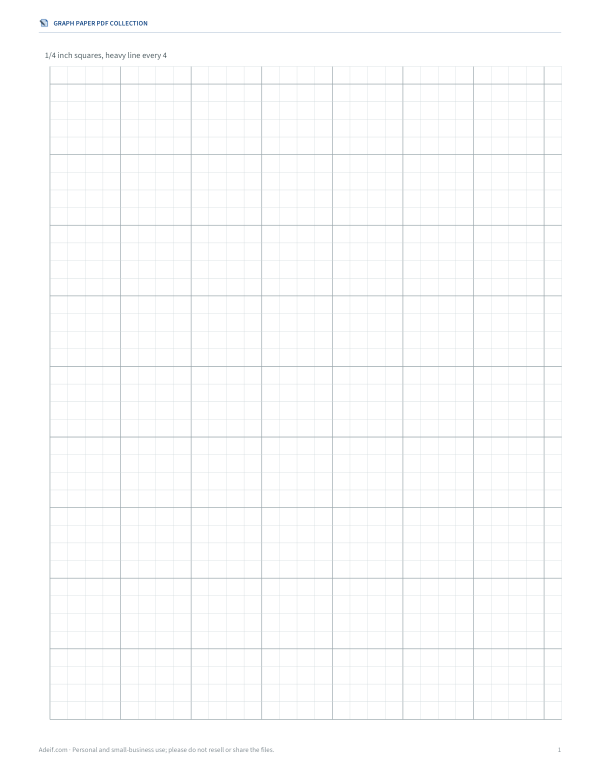
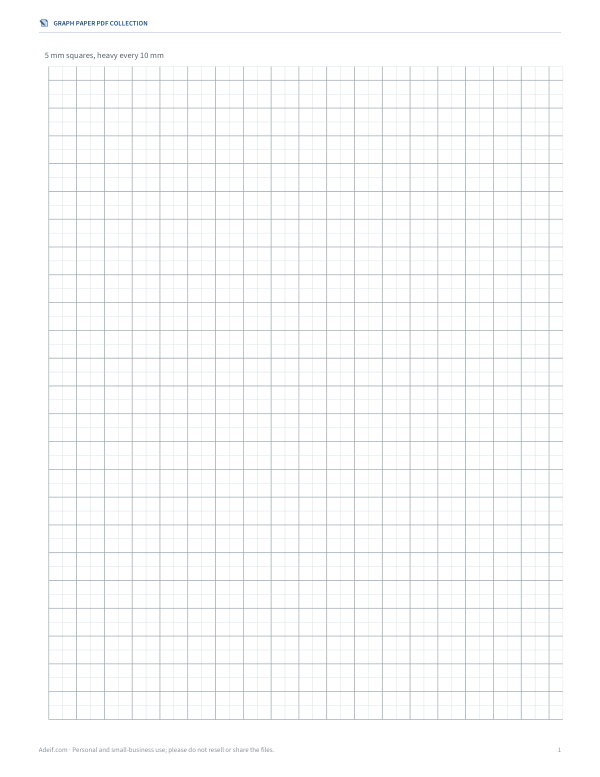
Create printable graph paper
Graph Paper PDF Collection
Ready-to-print PDFs of every common graph paper — imperial and metric, Letter and A4 — plus isometric and dot grids.
- Graph paper, US Letter (PDF, 8 styles)
- Metric graph paper (PDF, 1 mm/2 mm/5 mm)
Formats: PDF, DOCX. Instant download after payment (link valid 72 hours, up to 5 downloads). AI-assisted: the templates were drafted with AI help and reviewed and laid out before publishing.
$3.00 USD, one-time
- Instant download
- 7-day refund
- Secure checkout by Stripe
✓ Classroom use included
7-day money-back guarantee. Full refund within 7 days of purchase, even after you download.
Full refund within 7 days — see the refund policy and license.
License: personal and classroom use. Teachers may print and photocopy these files for the students in their own classes, and share them in a password-protected class space (e.g. Google Classroom). Please do not resell, redistribute, or post the files on public websites. One purchase covers one teacher.
Free printables
Single sheets you can print right now, no sign-up. The full pack adds every sheet in one download plus the editable files.
How to print graph paper that measures correctly
Graph paper is only useful if the squares are the size you chose, so print at 100% scale. In the print dialog, set scaling to “Actual size” or “100%” and turn off “Fit to page” or “Shrink to printable area”. The generator draws the grid at exact physical sizes in inches, with a margin so nothing is cut off by the printer. After your first print, check one inch or one centimetre with a ruler; if it is slightly off, your printer is scaling the page.
To save a PDF instead of printing, choose “Save as PDF” or “Microsoft Print to PDF” as the printer. The SVG download is a vector file that stays sharp at any size and can be opened in Inkscape, Illustrator or a browser.
Which square size should I use?
| Square size | Squares per inch | Typical uses |
|---|---|---|
| 1/4 inch | 4 | School maths, graphing functions, bullet journals, floor plans at 1/4" = 1 ft |
| 1/5 inch (engineering) | 5 | Engineering and physics sketches, decimal scales |
| 1/8 inch | 8 | Detailed drawings, cross-stitch and knitting charts, pixel art |
| 1/2 inch or 1 inch | 2 or 1 | Young children, large-print maths, quilting layouts |
| 1 cm | ≈2.54 | Metric maths worksheets, science labs |
| 5 mm | ≈5.08 | European school paper, notes, planning |
| 2 mm | ≈12.7 | Precise plots and technical sketches |
Heavy lines and why they help
A heavier line every four, five or ten squares makes it much easier to count squares and read coordinates. Engineering paper traditionally uses five squares per inch with a heavy line every inch, so every heavy square is exactly one inch. Metric graph paper usually has 1 mm or 2 mm squares with heavier lines every 5 mm and 10 mm. For a floor plan at a scale of 1/4 inch to 1 foot, 1/4-inch squares with a heavy line every four squares mark every 4 feet.
Ideas for using printable graph paper
- Maths: plotting linear and quadratic functions, geometry constructions, area and perimeter by counting squares, multiplication arrays for younger learners.
- Design and planning: room layouts, garden beds, furniture plans, woodworking sketches and quilt designs.
- Craft charts: cross-stitch, knitting colourwork, crochet tapestry and beading patterns, where each square is one stitch or bead.
- Science: recording experiment results and drawing graphs by hand for lab reports.
- Games: dungeon maps for tabletop role-playing games, battleships and dots-and-boxes.
- Notes and journals: a light grid keeps handwriting and diagrams neat without the formality of ruled lines.
Worked example: a room plan
A bedroom measures 12 by 14 feet. Using 1/4-inch squares at a scale of one square to one foot, the room is 12 by 14 squares — 3 by 3.5 inches — leaving plenty of paper for notes. With a heavy line every four squares, the heavy grid marks every 4 feet, so a 6-foot bed is one and a half heavy squares long. Choose Letter or A4 to match your printer, set a light line colour so your pencil lines stand out, and add the name and date line if you are drawing several options.
Paper sizes
US Letter (8.5 × 11 inches) is standard in the United States and Canada; A4 (210 × 297 mm) is used almost everywhere else. Legal (8.5 × 14 inches) gives a longer grid for timelines and graphs. If you print a Letter page on A4 paper, or the reverse, the printer may rescale it — choose the size that matches the paper in the tray. Landscape orientation is useful for wide graphs and floor plans.
Line colour and ink
Light blue and grey grids are traditional because they recede behind pencil and ink, and light blue does not reproduce on many older photocopiers, leaving clean copies of the drawing alone. Choose black for high contrast when the lines themselves matter, for example for visually impaired learners or for scanning. Light lines also use very little toner.
Drawing and plotting tips
For graphs, choose the scale before you draw: find the largest value on each axis, divide by the number of squares available, and round up to a convenient step such as 1, 2, 5 or 10 units per square. Label both axes with the quantity and unit, and leave a margin of a few squares for the labels. Use a sharp pencil for plotted points and a ruler for lines of best fit. For technical sketches, draw light construction lines first and darken the final outline, so the grid guides your hand without being confused with the drawing.
Graph paper and accessibility
For learners who find dense grids hard to read, larger squares (1/2 inch or 1 inch), a dark line colour and a heavy line every five squares make counting much easier. Occupational therapists and maths teachers often use large-square paper to help students line up digits in columns for addition, subtraction and long division; the 1 cm and 1/2-inch options work well for that, and every setting prints at a true physical size so squares stay consistent between pages.
Frequently asked questions
How do I make sure squares print at the right size?
Print at 100% or “Actual size”, and turn off “Fit to page”. Check with a ruler after the first print.
What is engineering paper?
Graph paper with five squares per inch and a heavier line every inch; it is often printed on light green paper.
Can I print graph paper on A4?
Yes, choose A4 in the paper setting so the grid fits the sheet without rescaling.
Is the graph paper free to use?
Yes. Print as many copies as you like for home, school or work.
Can I get a PDF?
Use your browser's print dialog and choose “Save as PDF”. The paid pack includes ready-made PDFs.
May I print and share these worksheets with my class?
License: personal and classroom use. Teachers may print and photocopy these files for the students in their own classes, and share them in a password-protected class space (e.g. Google Classroom). Please do not resell, redistribute, or post the files on public websites. One purchase covers one teacher.